0%

博客搭建

博客搭建

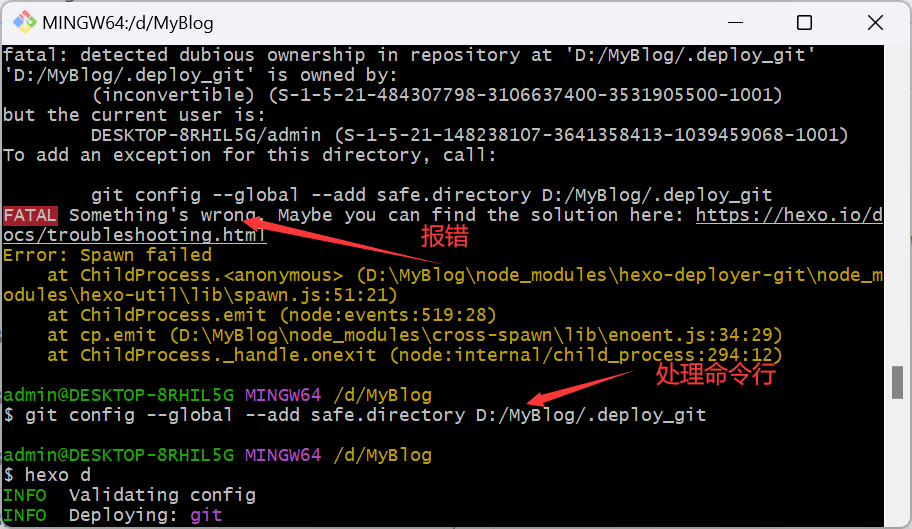
巨大的坑

运行更新时记得关梯子

也不是梯子的问题,很怪,昨天连不上今天就又可以了

文件编辑问题
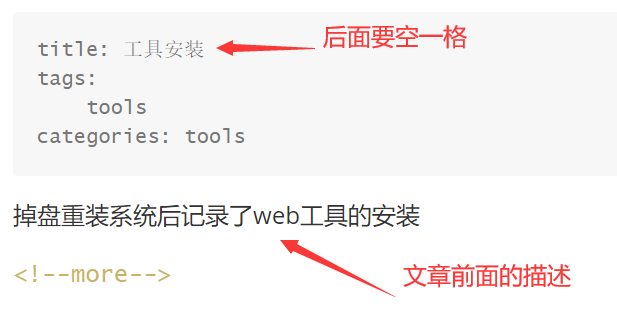
image.png

上传

1
2
3
4
5
6
npm install -g hexo-cli
hexo g
hexo s
hexo clean&&hexo s//windows
hexo clean&&hexo g&&hexo d//上传文章
hexo n page name//创建标签页

image.png

image.png

next主题

1
2
scheme,选择主题
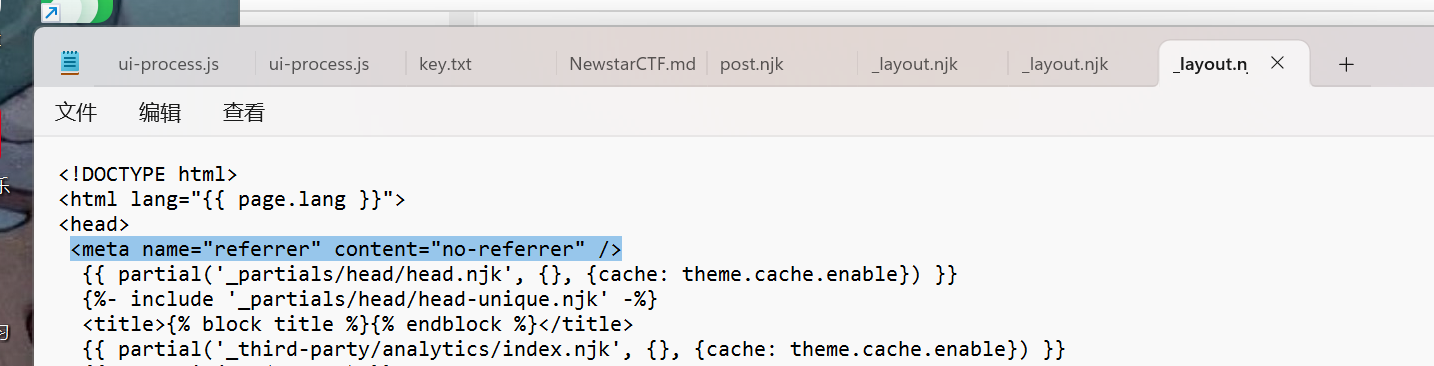
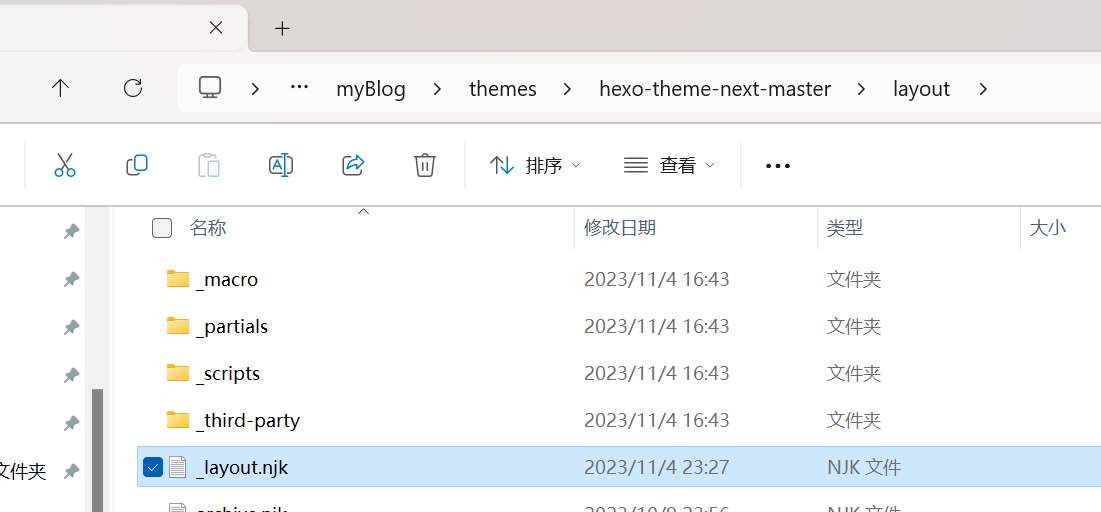
<meta name="referrer" content="no-referrer" />#显示图片的标签

主题网址:https://hexo.io/themes

语雀md文件图片无法显示问题

image.png

image.png

1
*<!--more-->*#缩减文章,只显示想显示的内容

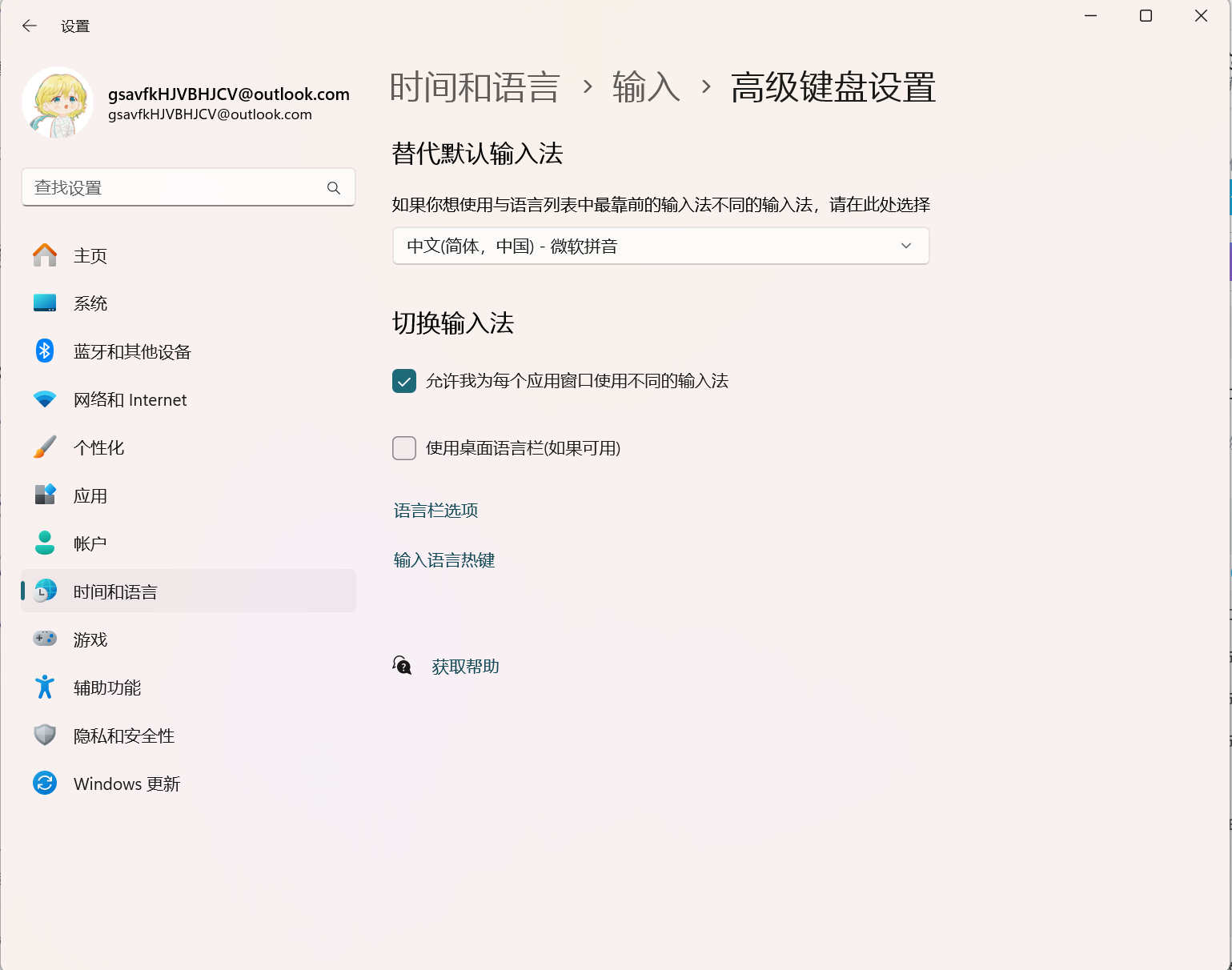
电脑切换输入法进任务栏,点击使用桌面语言栏

image.png

语雀图片防盗问题

参考文章:https://natro92.fun/posts/1d897e93/

安装:npm install hexo-yuque-picture --save

使用:

hexo根目录的配置文件_config.yml文件中添加配置

1
2
3
4
5
6
yuquePic:
enable: true
field: site
exclude:
- 'exclude1.com'
- 'exclude2.com'

搜索框设置

首先安装插件

1
npm install hexo-generator-searchdb --save

然后在博客站点配置

1
2
3
4
5
search:
path: search.xml
field: post
format: html
limit: 10000

最后在主题配置文件(themes/next/_config.yml )找到 local_search 改为true,其他项目自选:

1
2
3
4
5
6
7
8
9
10
11
12
13
# Local Search
# Dependencies: https://github.com/theme-next/hexo-generator-searchdb
local_search:
enable: true
# If auto, trigger search by changing input.
# If manual, trigger search by pressing enter key or search button.
trigger: manual
# Show top n results per article, show all results by setting to -1
top_n_per_article: 1
# Unescape html strings to the readable one.
unescape: false
# Preload the search data when the page loads.
preload: false

image.png

博客迁移

1
2
3
4
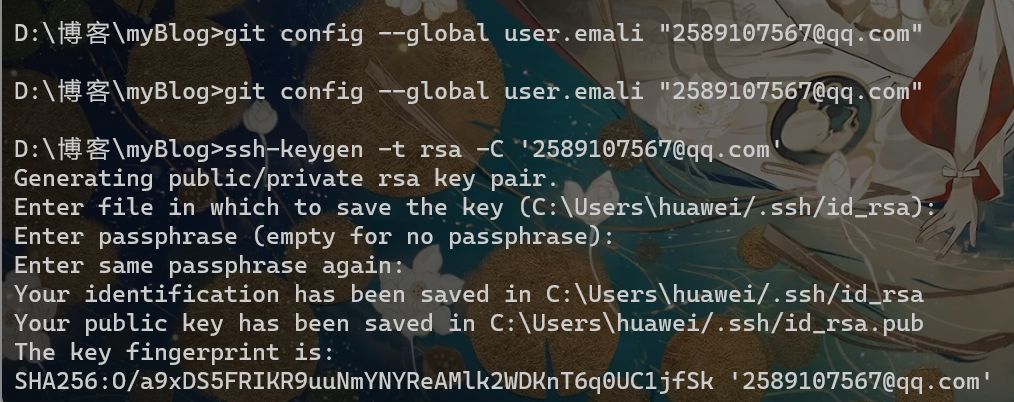
git config --global user.name "你的用户名"
git config --global user.email "你的邮箱@qq.com"
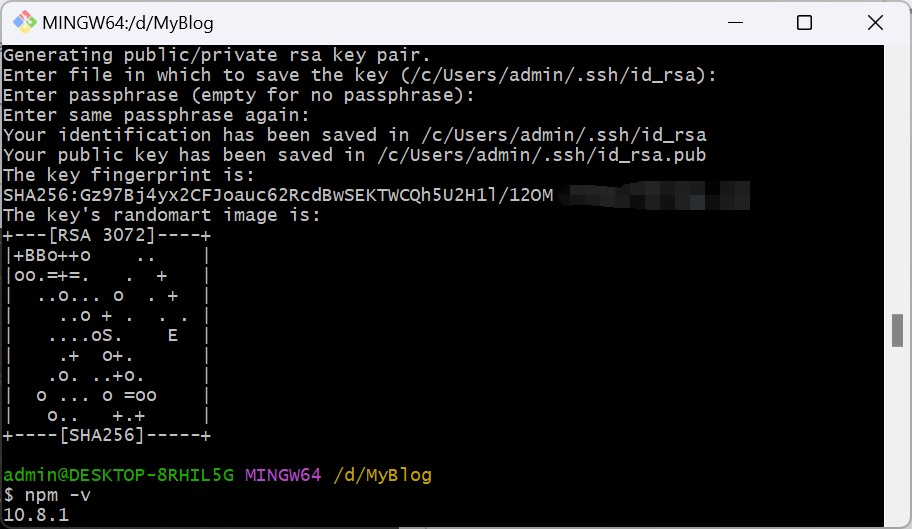
ssh-keygen -t rsa -C "你的邮箱@qq.com"

image.png

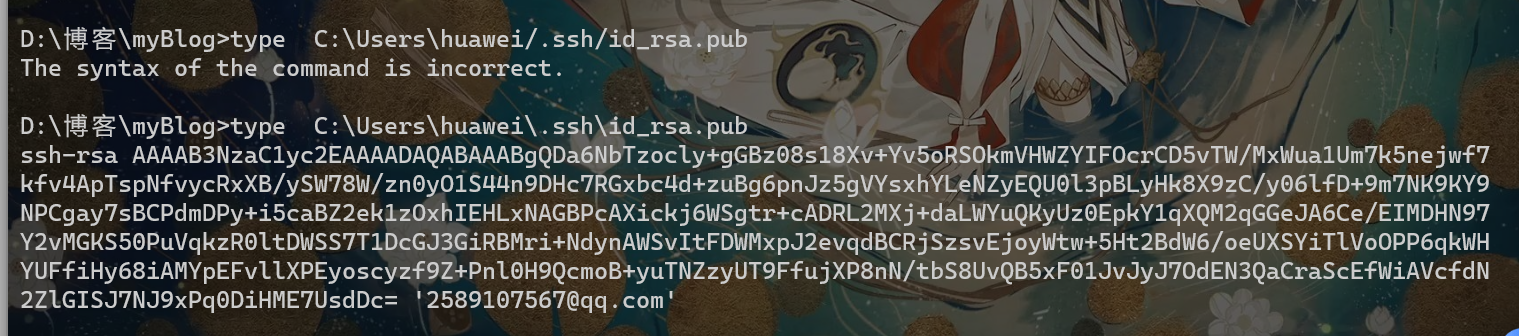
一直默认enter,能够看到在C盘生成了一个id_rsa.pub文件,复制文件内容
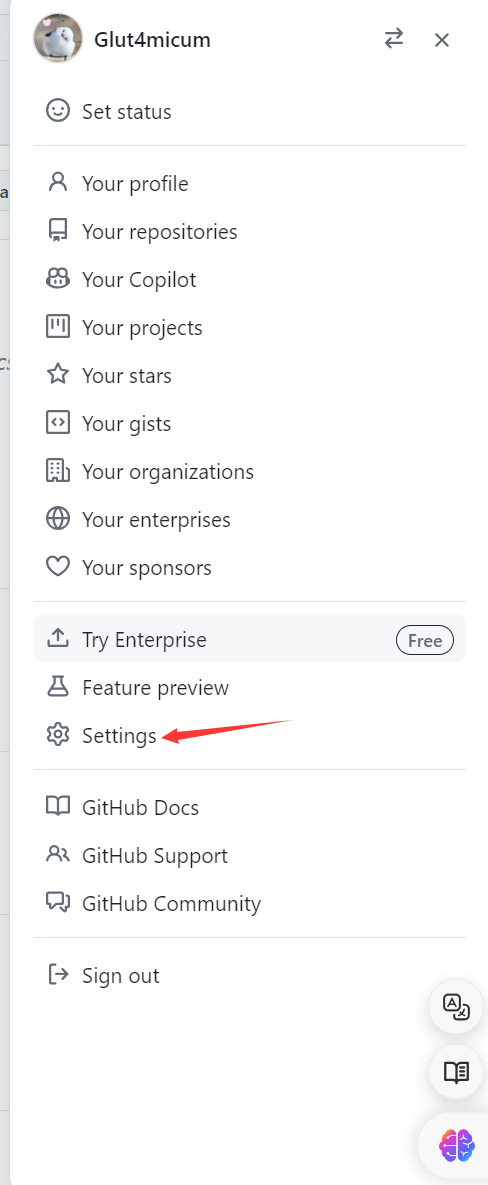
image.png

image.png

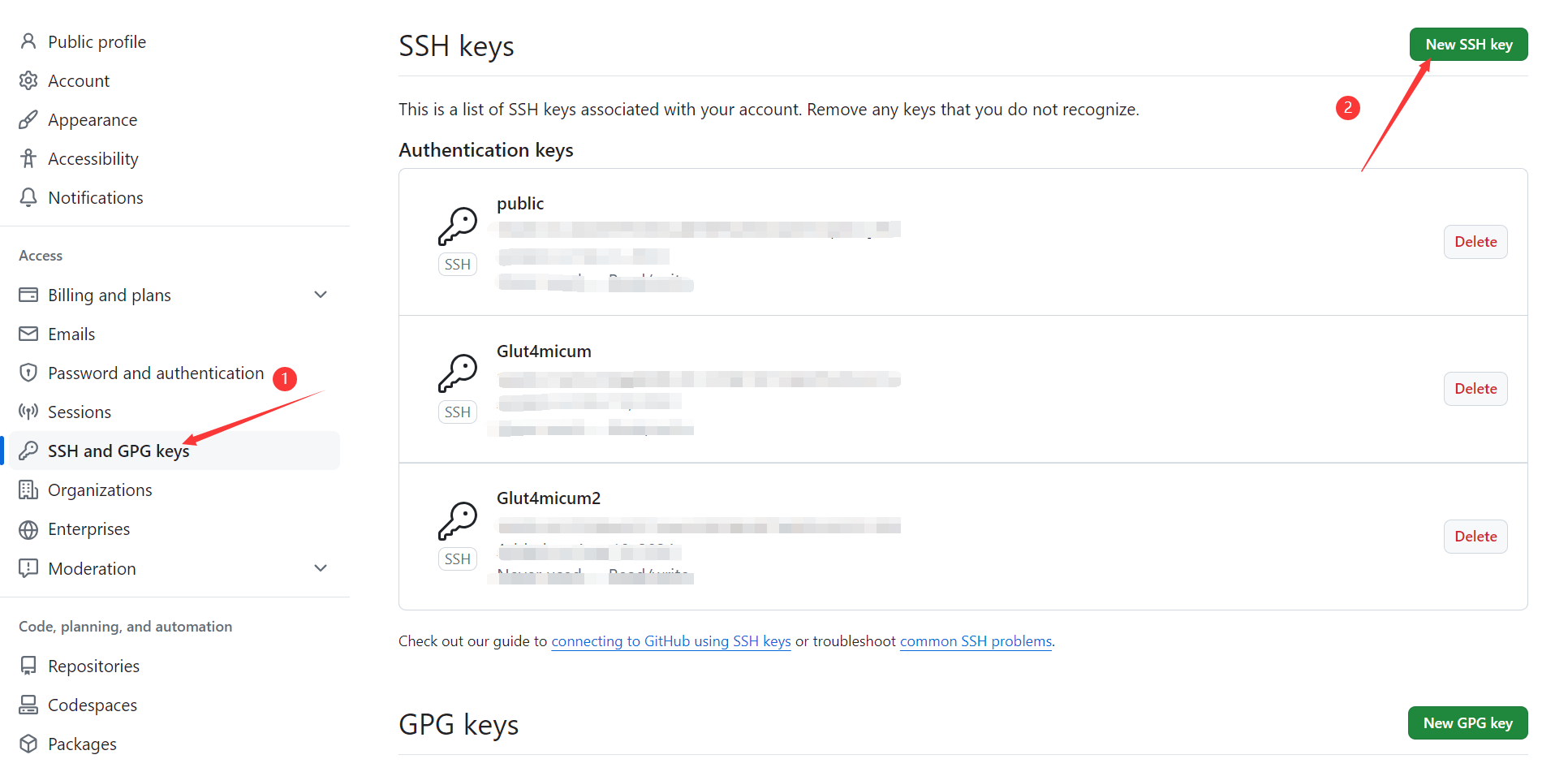
将复制内容填入即可


来源: https://www.yuque.com/guansuanbangzhuangganjun/oxmbxg/gs06wwc5e1m8fma2
语雀文档ID: 145811006